Android Developer Verification Badges

A set of high-quality, 3D-rendered badges for Android developers to display the verification status of their APKs
As Google strengthens the security of the Android ecosystem, these badges help users identify if an application’s signature has been verified through the Android Developer Verification program.
🚀 Overview
With the recent updates to the Android platform and Google Play Protect, Google-certified devices are implementing stricter checks for sideloaded applications. Developers are now encouraged to verify their identity and package names to ensure a seamless installation experience on modern devices.
These badges are designed for use in:
- GitHub / GitLab / Bitbucket
README.mdfiles. - Official project websites and download pages.
- Documentation portals.
📸 The Badges
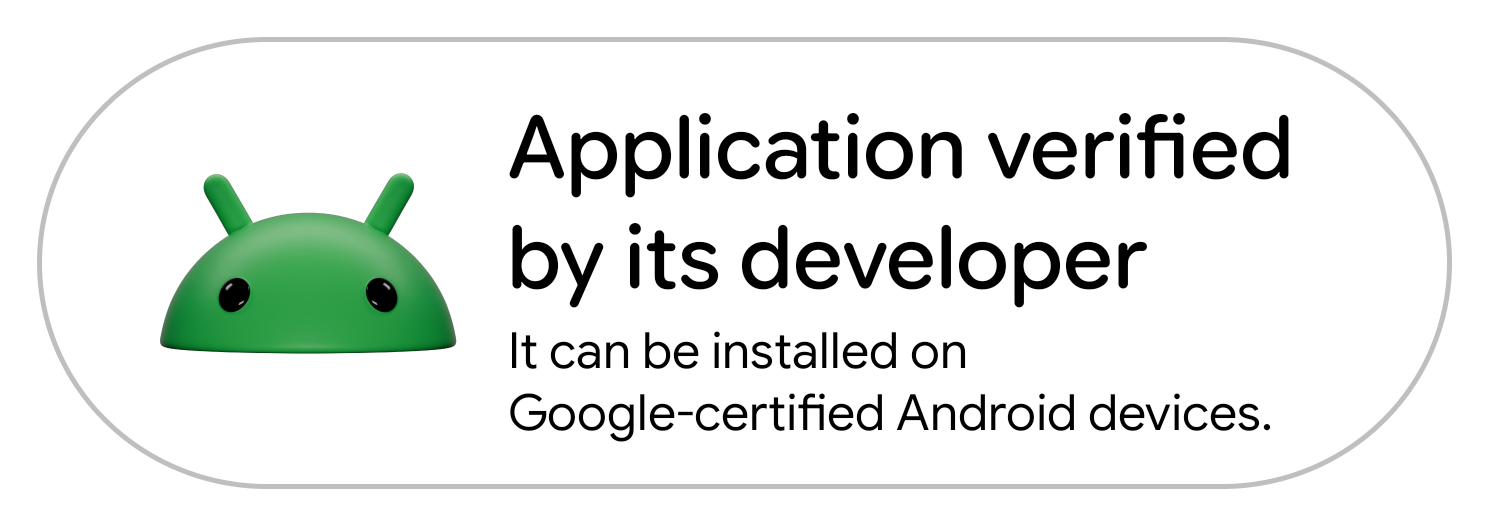
1. Application Verified by its Developer
Use this badge if your APK is signed with a certificate registered in the Android Developer Console and your identity has been verified.
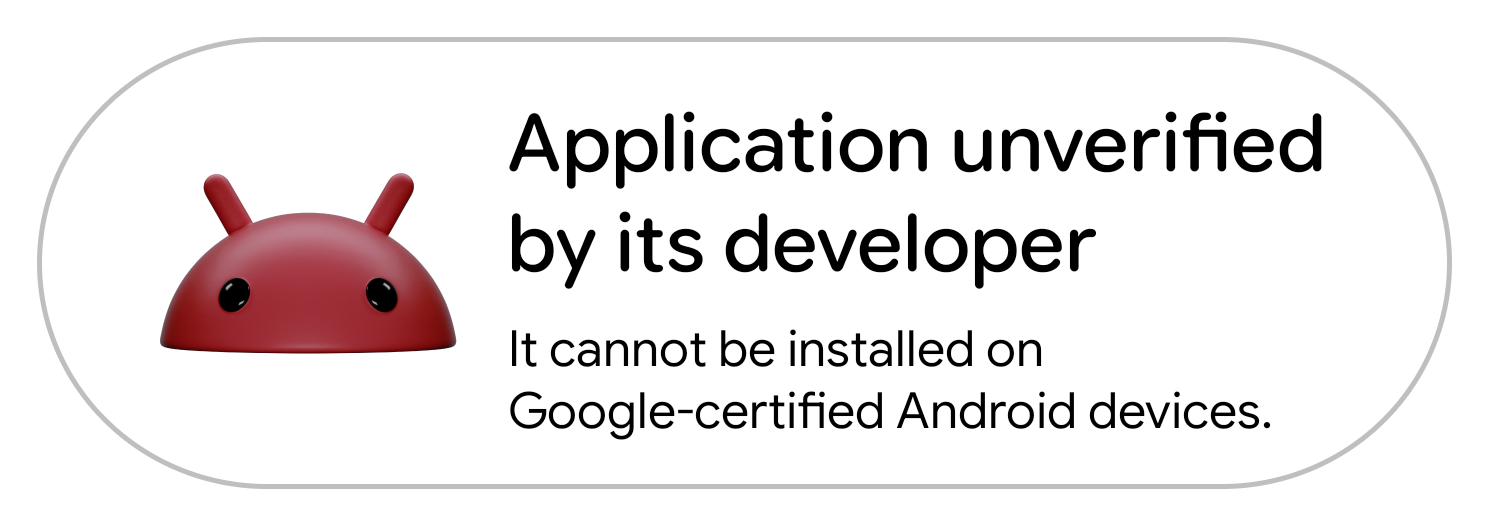
2. Application Unverified by its Developer
Use this badge if the project is in a transitional state or if the developer has not yet completed the verification process.
🛠️ Technical Context
The Android Developer Verification Program
Google has introduced a mandatory verification process for developers. This program links the APK signature and the package name (com.example.app) to a verified identity.
Impact on Certified Devices: On Google-certified Android devices, the system now performs real-time checks during the installation of APKs from unknown sources.
- Verified Developers: The installation proceeds with a standard trust prompt.
- Unverified Developers: The system may show high-risk warnings or block the installation to prevent the spread of potentially harmful applications (PHA).
Compatibility Note: This verification infrastructure is being deployed to the majority of the Android install base. However, devices running Android 9 (Pie) or older versions will not receive this update. The verification checks are exclusively targeted at modern, Google-certified environments from Android 10 onwards.
💻 How to use
Copy and paste the following code into your Markdown file:
Verified Badge
<img src="https://raw.githubusercontent.com/brunochanrio/android-developer-verification-badges/main/android_verified_app.png" width="320" alt="Application verified by its developer">
Unverified Badge
<img src="https://raw.githubusercontent.com/brunochanrio/android-developer-verification-badges/main/android_unverified_app.png" width="320" alt="Application unverified by its developer">
🎨 Asset Details
- Resolution: 1489 x 526 px (Optimized for HiDPI/Retina displays).
- Format: PNG with transparency (3D Bugdroid render).
- Design: Consistent with modern Android “Pill” UI design language.